Updates
-
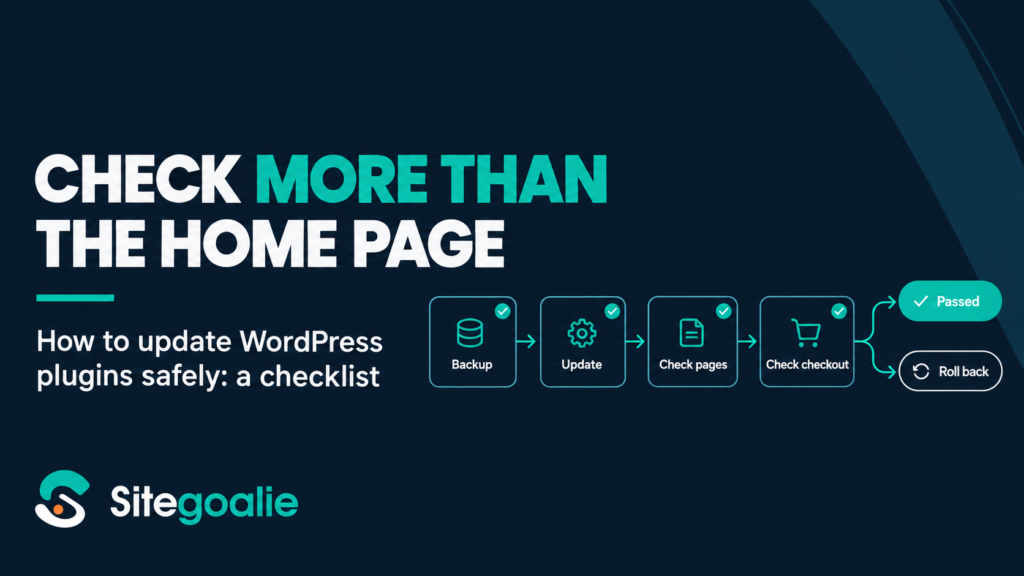
How to update WordPress plugins safely
Plugin updates are one of the most routine jobs in WordPress, and one of the easiest ways to break a site without noticing. When an update does cause…
Try it on one site, free.
The Free plan covers one site and needs no card.
- Connect a site
Install the Sitegoalie plugin and paste your connection key. It takes about two minutes.
- See where it stands
The first report arrives within minutes: uptime, SSL, vulnerabilities, plugin health and pending updates.
- Switch on Safe Updates when you’re ready
Pick a maintenance day and let it run, with a summary email after every run.
Read-only by default. Nothing on a site changes until you switch Safe Updates on for it.
Start your free workspace
- 14 days of Pro, no card needed
- Safe Updates with screenshots and checkout tests
- Client portal and white-label emails
- Then free for one site, or pick a plan